Best HDMI to USB Capture Card India Budget

40
3mo
Want to start streaming, recording gameplay, or doing live classes—but your laptop doesn’t support direct video input? Many people struggle with poor video quality, lag, or complicated setups.
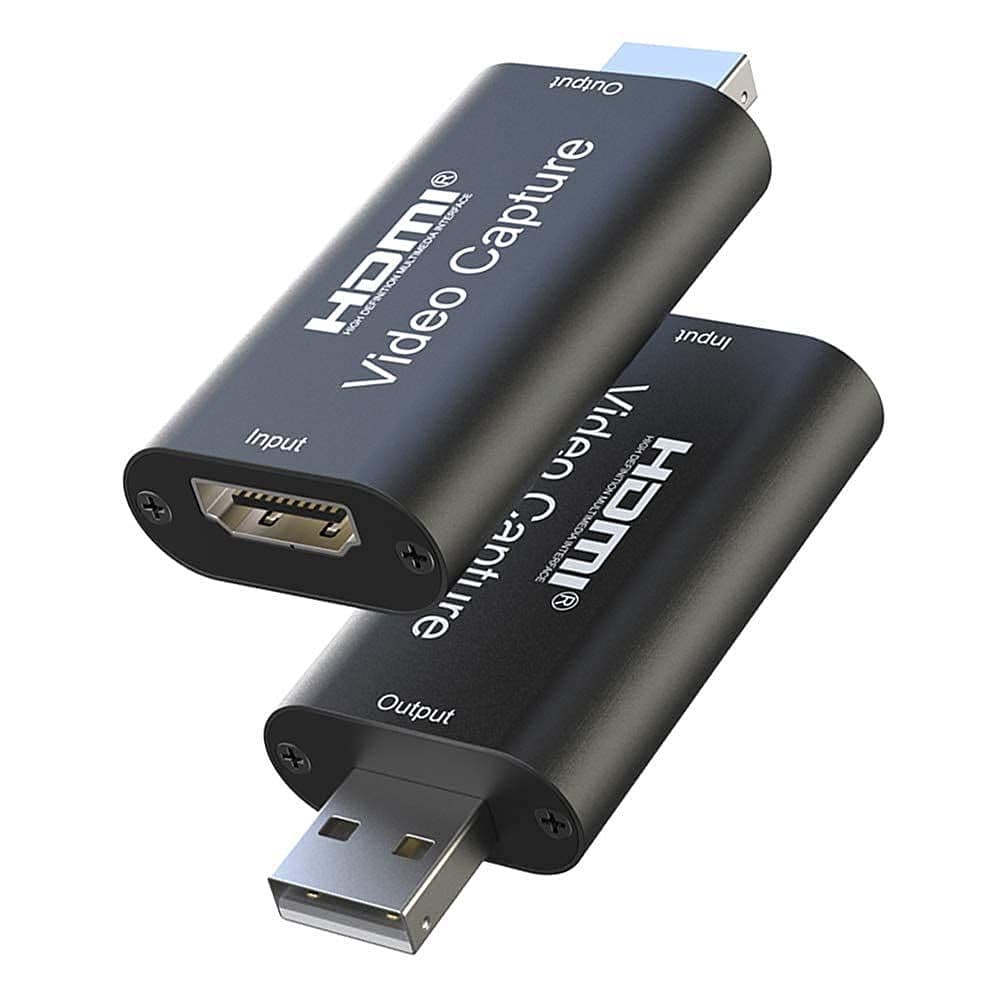
That’s where the Microware HDMI to USB Capture Card makes things simple—just plug in and start recording or streaming in clear Full HD.
Product Overview
This Microware capture card lets you connect devices like DSLR cameras, gaming consoles, or set-top boxes directly to your laptop or PC.
It converts HDMI video into USB input, so you can stream, record, or broadcast easily using apps like OBS, Zoom, or YouTube.
Key Benefits
- Easy plug-and-play setup – no complex installation
- Full HD 1080p recording at 60fps
- Smooth video capture with low lag
- Works with laptops and PCs via USB
- Ideal for streaming, gaming, and online classes
- Compact and travel-friendly design
- Budget-friendly solution for content creators
Specifications
- Brand: Microware
- Type: HDMI to USB Capture Card
- Resolution: Up to 1080p at 60fps
- Interface: USB 2.0
- Input: HDMI
- Compatibility: Laptop / PC
- Usage: Streaming, recording, live broadcasting
Why Should You Buy This?
Because it removes the biggest barrier—complex setup.
Instead of expensive equipment, this small device gives you a simple way to start streaming, recording, or teaching online with good quality video.
Warnings / Things to Consider
- Works best with stable internet and good lighting
- Not ideal for 4K recording
- Ensure your device supports HDMI output
- Use proper cables for best performance
Who Should Use This Product?
- Beginner YouTubers and streamers
- Online teachers and tutors
- Gamers recording gameplay
- Content creators on a budget
- Anyone needing simple video capture
Real-Life Use Cases (Indian Scenarios)
- Online classes using DSLR as webcam
- Streaming BGMI or console gaming
- Recording YouTube videos at home
- Live sessions on Instagram or YouTube
- Office presentations and webinars
Expert Tip
For better video quality, always use proper lighting (ring light or natural light). Even a good capture card performs much better with good lighting conditions.
If you want to start streaming or recording without spending too much, this capture card is a smart and practical choice.
Pros | Cons |
|---|---|
1.Very easy to use | 1.Not suitable for professional-level production |
2.Affordable entry-level option | 2.Limited to USB 2.0 bandwidth |
3.Good video quality for price | 3.May require good lighting for best output |
4.Portable and lightweight | |
5.Works with popular apps |
